
TLDR
Overview
I redesigned the filtering system for Expert.ai Corpus, an AI text analysis platform. My work focused on replacing a confusing popup with a side panel that lets users filter while viewing results—reducing support tickets by 42% and cutting task time from 2 minutes to 30 seconds.
ROLE
UX Design Intern
TIMELINE
6/1/2022 - 8/31/2022
TEAM
Johanna Huarachi
Antonio Linari
Luigi G
SKILLS
User research
Interaction design
Accessibility
PROBELM
How can we make filtering as intuitive as the AI behind it?
RESEARCH
Current filtering and what users told us
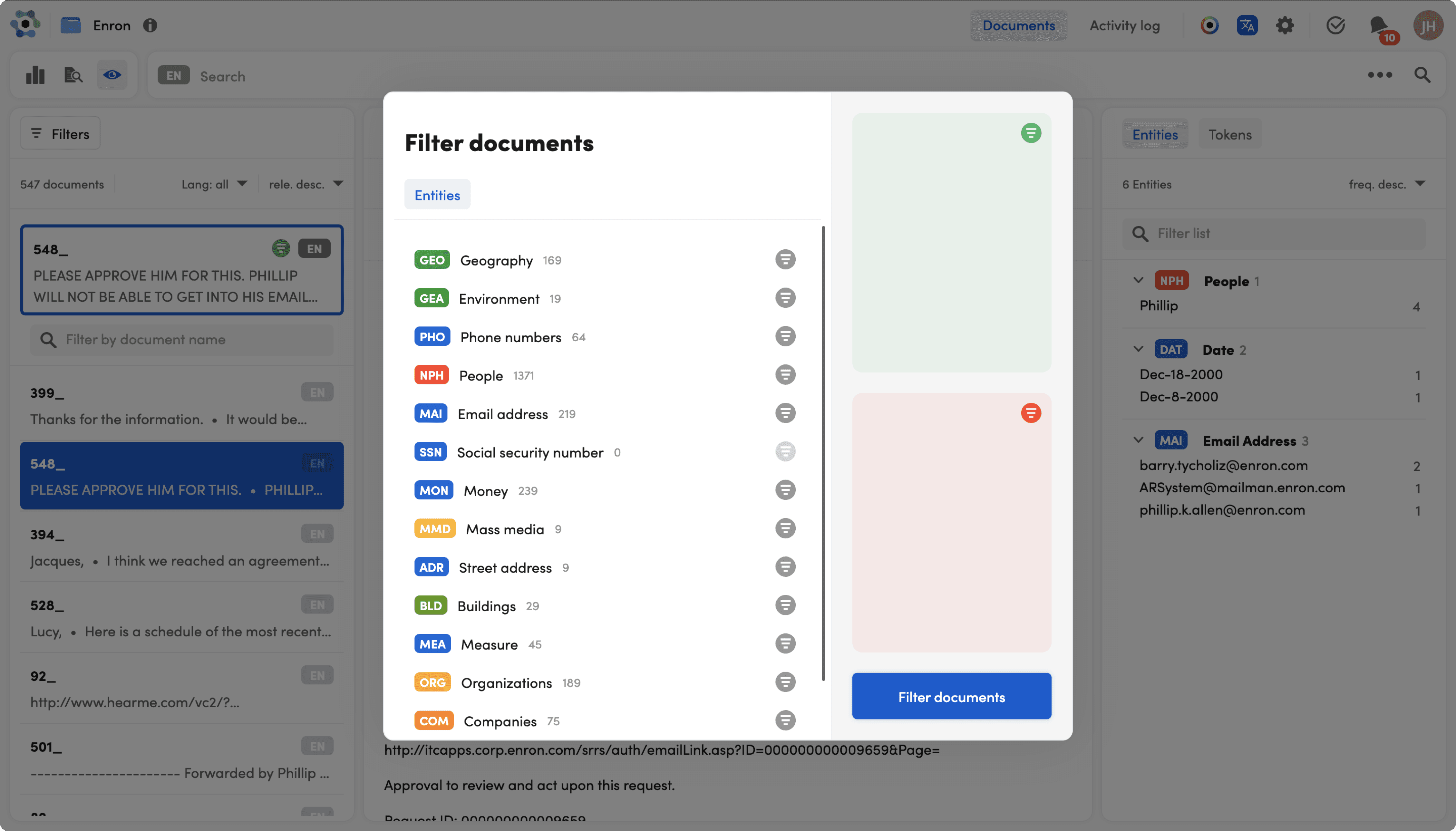
The filter popup blocked users' results entirely. They'd add a filter, lose sight of their data, close the popup to check, reopen it to adjust... repeat 4-5 times per session.
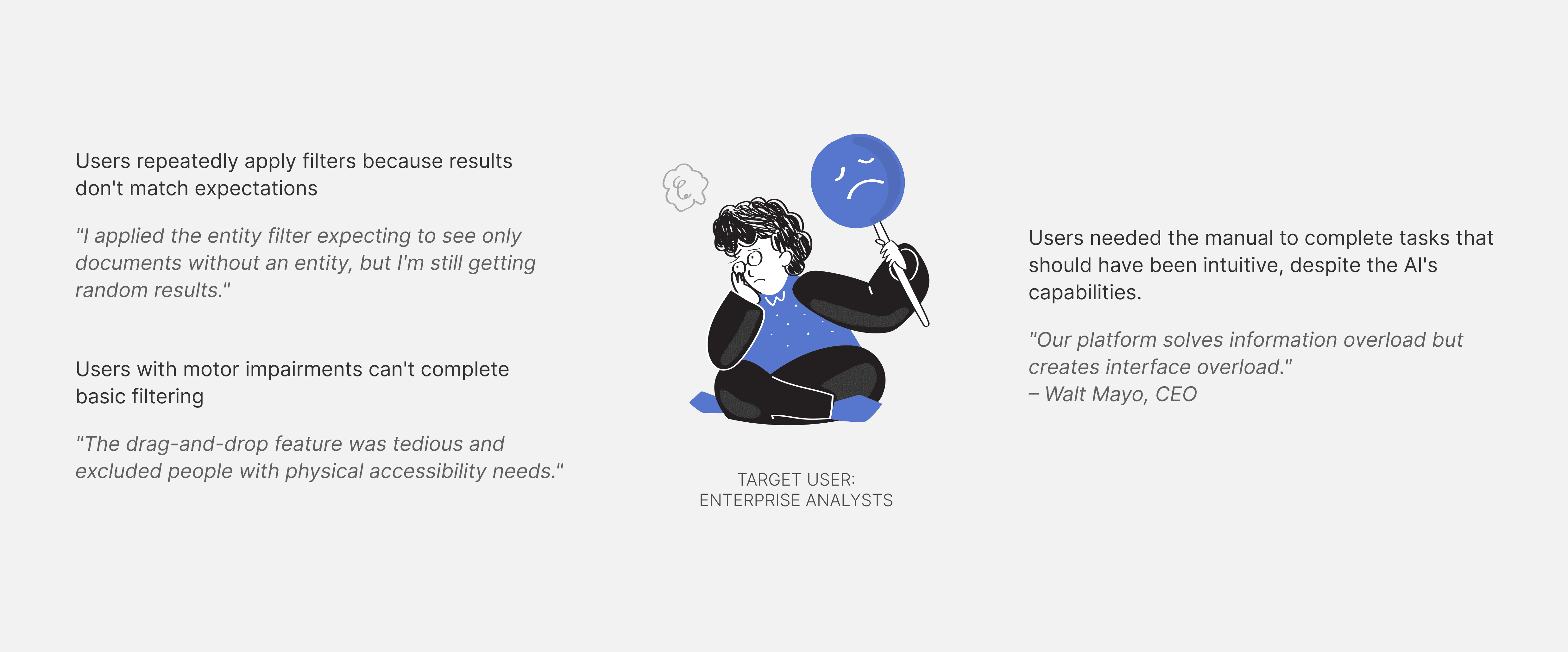
I reviewed 127 support tickets and talked to 10 enterprise users across healthcare, finance, and government. Here's what they said:
IDEATION
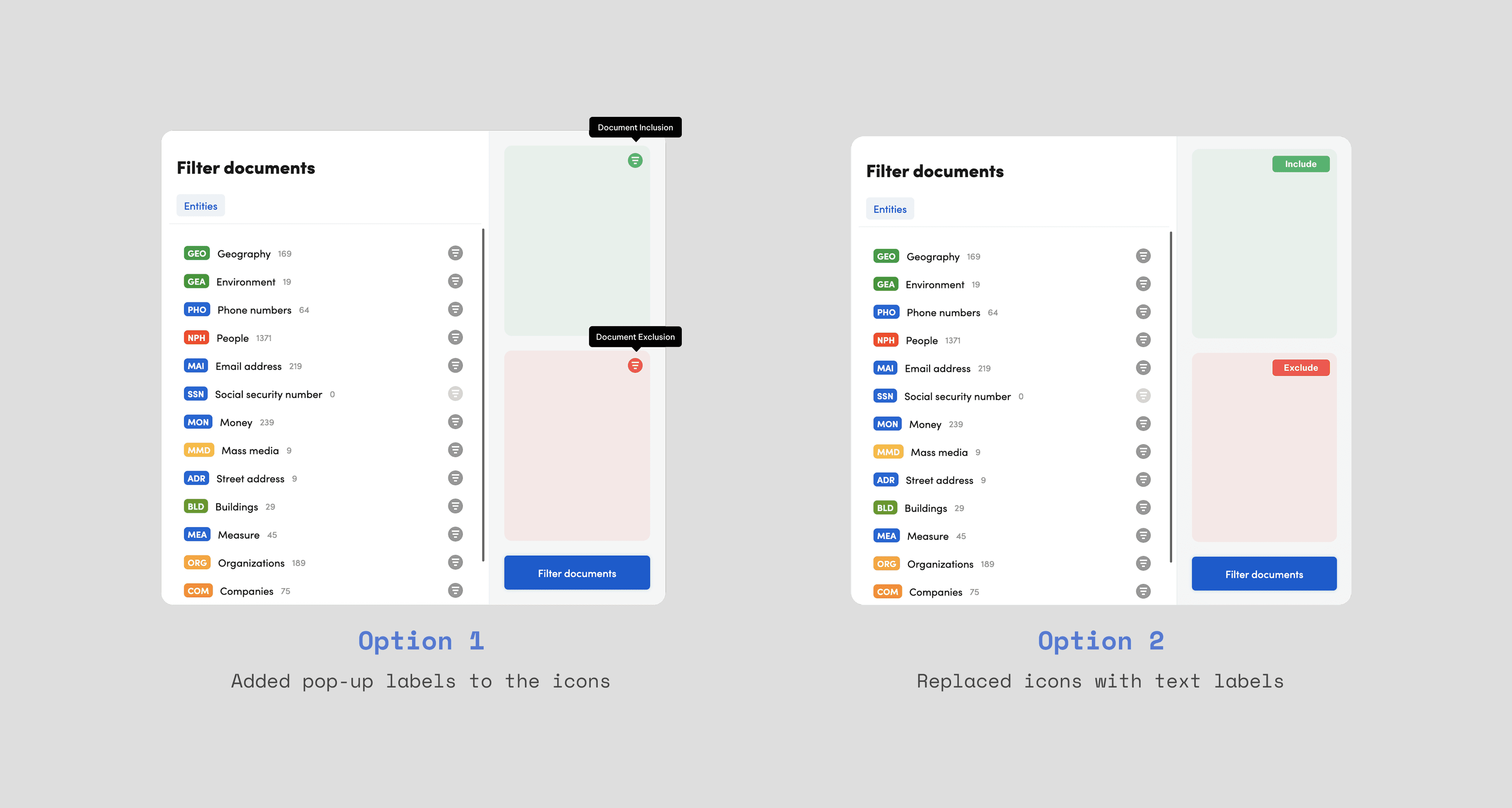
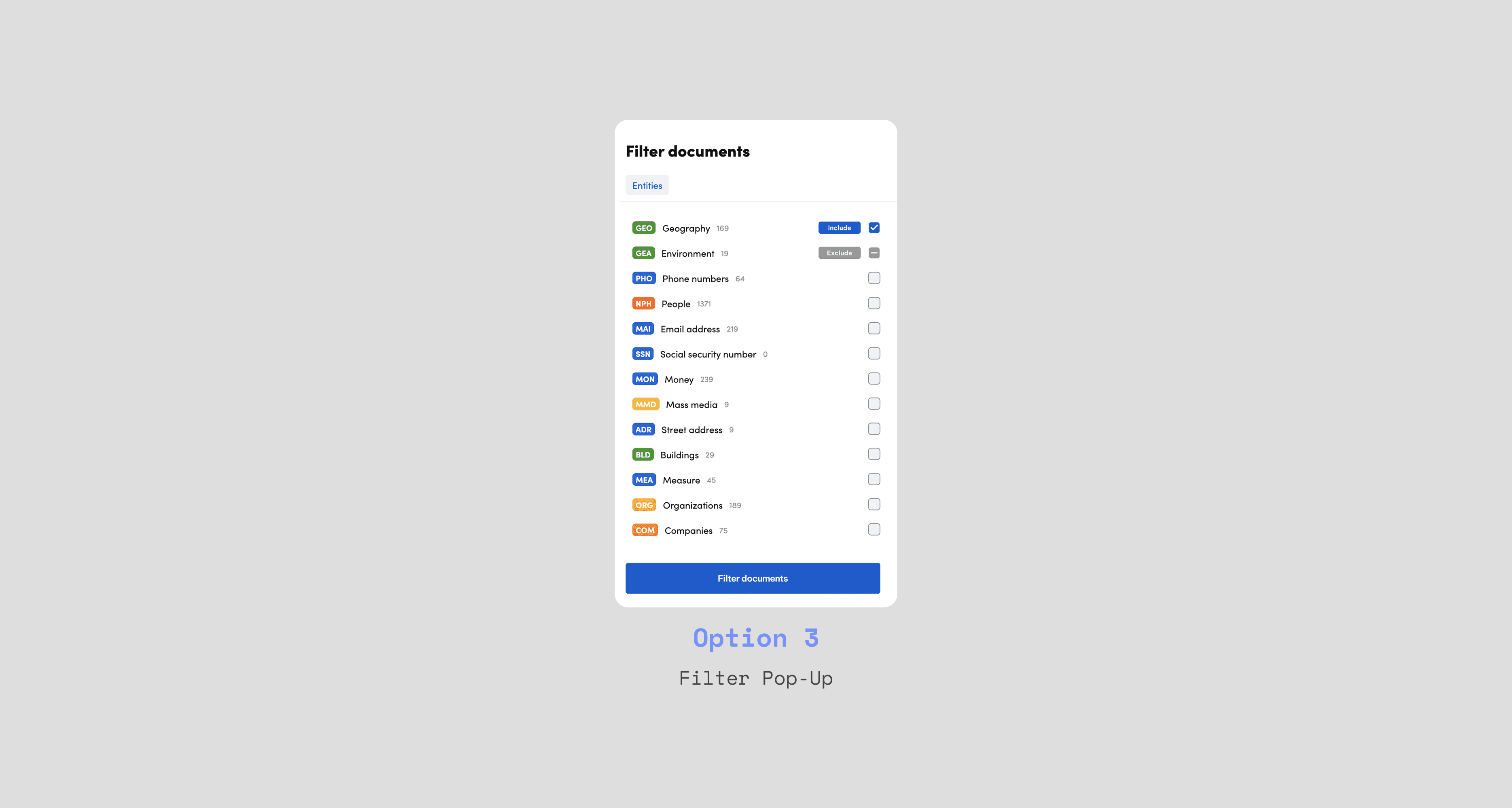
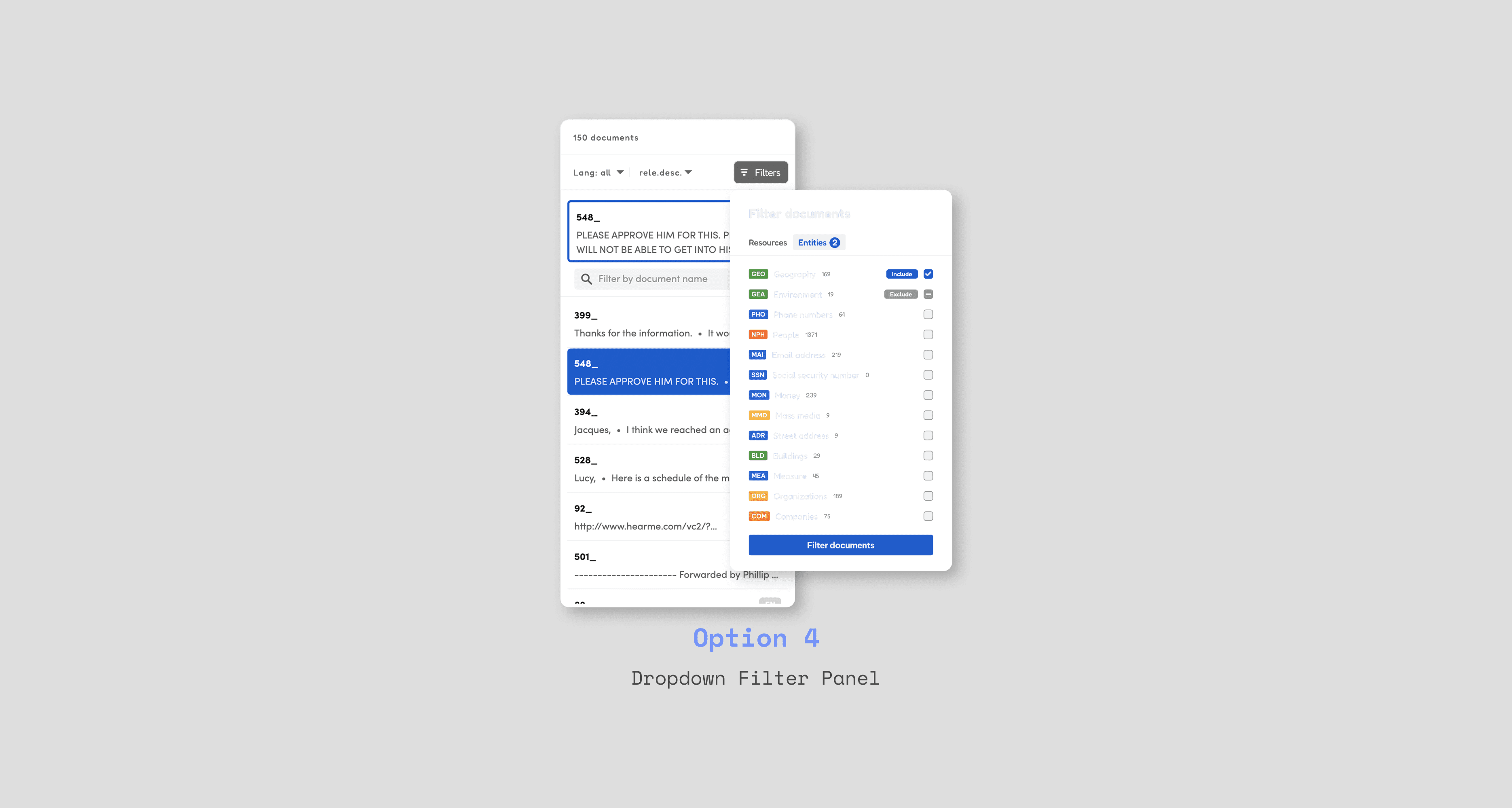
Redesign the flight-search experience with persistent navigation, geographic context, and scannable information.
THE SOLUTION
Side panel keeps users in flow
After testing with 8 users, the side panel was the clear winner. Task times dropped to 30-45 seconds and workflow abandonment disappeared.
Users see results update as they filter
Filters sit alongside results. Users watch the AI re-analyze in real-time and see if they're filtering too narrowly or just right.
Toggles replace drag-and-drop
Simple on/off switches. One click to activate, one to deactivate. Clear visual states with color, icons, and labels.
100% accessible
Every element meets WCAG 2.1 AA. Multiple visual cues (not just color) for filter states. Full keyboard navigation support.
LEARNINGS
Key Takeaways
"Small" features aren't small when users touch them constantly
I thought this was just a filter redesign. Turns out, filtering was the most-used interaction in the entire platform. What seemed like a minor UI issue was actually breaking the core experience. Now I ask: how often will users interact with this?
User data is your best weapon for risky changes
Breaking our design system was a tough sell. But 62 support tickets, 2-minute task times, and user testing videos made the case stronger than any design argument could. When stakeholders pushed back, I showed them recordings of users giving up mid-task.